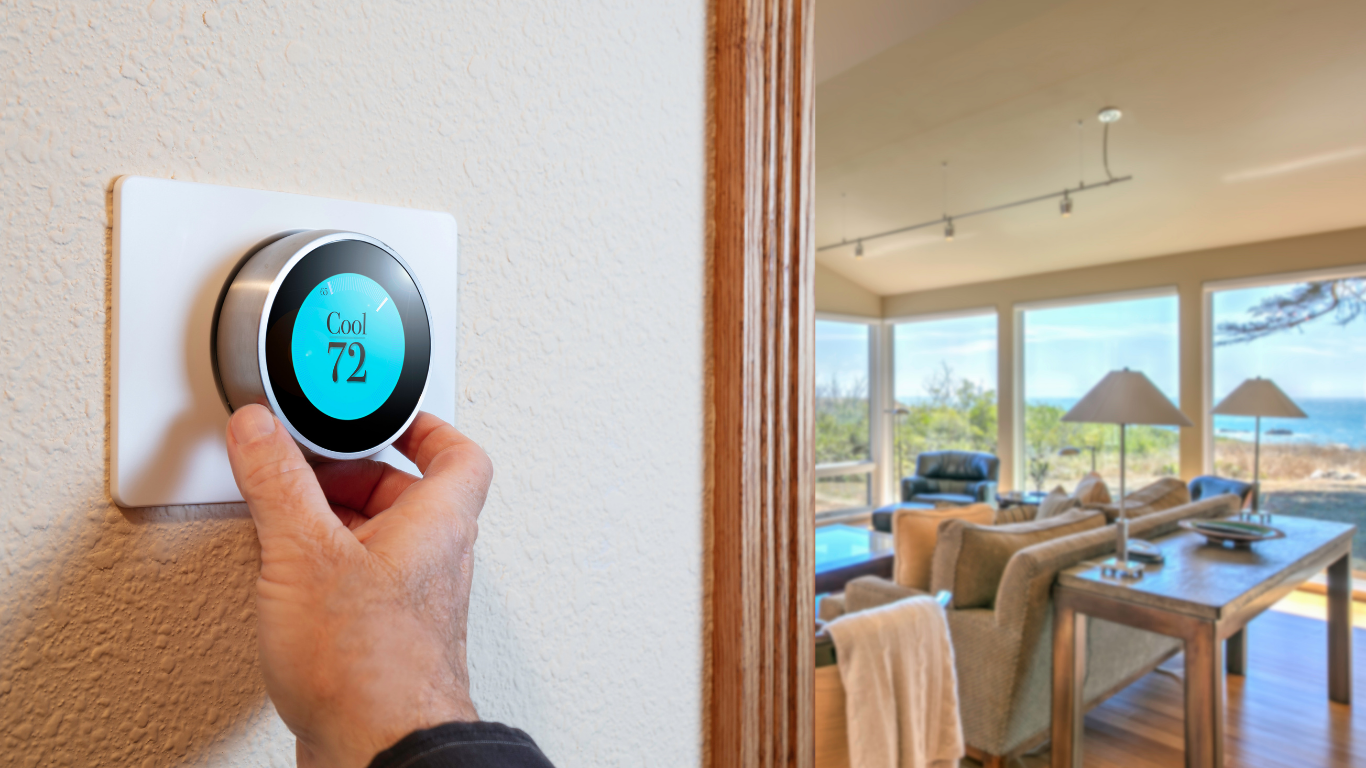
If your Honeywell thermostat isn’t working properly—or you’ve recently changed batteries or Wi-Fi networks—you might need to reset it. Resetting can clear programming errors, reconnect Wi-Fi, or return settings to factory defaults.
Below are the most common reset methods based on thermostat type:
1. Honeywell Touchscreen Thermostats (like T5, T6, T9, and T10 models)
To factory reset:
Press the Menu button.
Scroll down to “Reset” and select it.
Choose “Factory Reset.”
Confirm when prompted.
Your thermostat will restart and return to its default factory settings.
💡 Tip: If you only need to reset Wi-Fi, select “Wi-Fi Reset” instead of “Factory Reset.”
2. Honeywell Smart Thermostat (Wi-Fi or App-Connected Models)
To reset your Wi-Fi or reconnect to the app:
Press the Menu button.
Scroll to “Wi-Fi” and select “Setup.”
Follow the on-screen prompts to reconnect to your home network.
To factory reset:
Press and hold the “Menu” or “Fan + Up Arrow” buttons together for about 5–10 seconds.
When the screen changes, select “Factory Reset.”
3. Honeywell 2000, 4000, 6000, or 8000 Series (Button Models)
For most models:
Turn the thermostat off.
Hold down the “Fan” and “Up” arrow buttons together.
While holding both, turn the thermostat back on.
Keep holding until the screen changes or flashes—then release.
This resets system settings and clears old configurations.
4. Basic Battery-Powered Honeywell Thermostats
Remove the thermostat from the wall plate.
Take out the batteries.
Flip them backward (negative to positive) for about 5 seconds.
Put them back in correctly.
Reattach the thermostat to the wall.
This “battery reset” can clear simple display or power issues.
After Resetting
Once your thermostat restarts:
Reconnect to your Wi-Fi (for smart models).
Reprogram your temperature schedule if needed.
Check that your system (heat, cool, fan) responds correctly.
Still Having Issues?
If your thermostat won’t reset, connect to Wi-Fi, or communicate with your HVAC system, it may be a deeper wiring or control issue. The professionals at At Your Service Plumbing, Heating & Air can help troubleshoot and get your comfort system back up and running quickly.
📞 Call us today for fast, reliable thermostat and HVAC service — because when it comes to your home comfort, we’re always At Your Service!